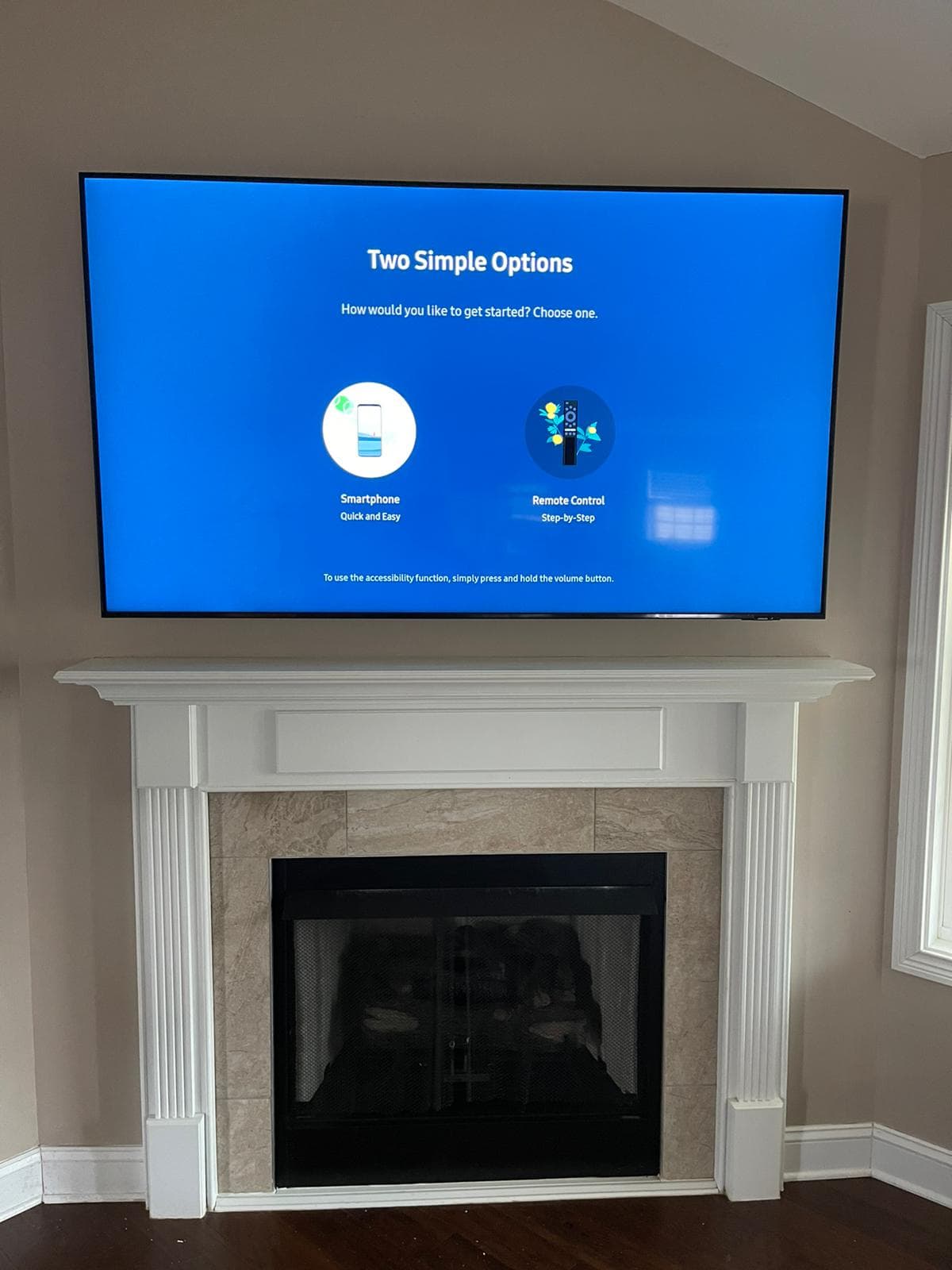
The LG NU700B is LG's large-format value set, sold at 75 and 85 inches. It does exactly what it is supposed to do: it puts a very large screen in the room for a fraction of what that used to cost.
We like these televisions. We also take more calls to fix badly mounted NU700Bs than almost anything else, and the reason is worth spelling out before the step-by-step.
Why Cheap Big TVs Get Hung Badly
There is a psychological trap around budget large-format sets, and it is completely understandable.
You spend a few hundred dollars on a 75-inch television. Spending a meaningful fraction of that again on a bracket and an installer feels absurd. So the bracket gets chosen on price, the stud check gets done with optimism rather than a stud finder, and drywall anchors start looking like a reasonable idea.
Here is the part that does not care about any of this: a 75-inch panel typically weighs 60 to 85 lbs whether it cost three hundred dollars or three thousand. The wall has no idea what you paid. The load is the load.
And when a mount that was never anchored into timber finally lets go — and it does not let go immediately, it holds for months first — it takes a section of drywall, the television, and usually whatever was sitting on the console underneath. The TV was never the expensive part of that.
So: the NU700B deserves the same wall work as a flagship. That is the whole argument.
Step 1: Establish the Wall Construction
Timber framing on 16-inch centres is the common case in Nashville. Older homes can be plaster over lath. Condo conversions frequently use metal stud partitions. Chimney breasts are masonry.
All of these will hold a 75-inch NU700B. Each wants different hardware, and the metal-stud and masonry cases want a slower approach. Our surcharge for concrete, tile, stone or metal starts at $25; drywall carries no extra charge.
Step 2: Find Two Studs and Actually Confirm Them
Mark every stud finder hit across the target area. Then verify each mark — a second pass from the opposite direction, or a magnet locating the vertical line of drywall screws.
Centre the bracket across two studs. On 16-inch framing a 75-inch mount can often catch three; take three whenever the spacing offers it.
Never on drywall anchors. Never on one stud with anchors either side. This is the specific shortcut we are called out to undo.
Step 3: Buy a Bracket Rated for the Panel
The second half of the same trap is the bracket. A mount rated for "up to 88 inches" at a suspiciously low price is not automatically wrong, but it is worth checking that the rating is for weight, not just screen size — those are different numbers and only one of them holds your TV up.
The NU700B is a conventional backlit LED panel, so it is not especially deep and all three bracket types work:
- Fixed — sits closest to the wall, no adjustment afterwards
- Tilt — a few degrees of downward angle
- Full-motion — swings and rotates, adds depth and leverage on the anchors
We do not sell mounts. Send us the model and the wall type before you order and we will tell you which class fits and reaches your studs.
Step 4: Height, Set From Where You Sit
Centre of the screen at seated eye level, generally 42 to 48 inches off the floor.
At 75 inches, check that in the real room rather than trusting the number. The screen is tall enough that a textbook centre can drop the bottom edge to where a console or soundbar gets in the way. Put the furniture in place, sit down, mark the wall from there.
Step 5: Two People for the Lift
A 75-inch NU700B is wider than one person's arm span. The risky moment is standing at head height, supporting the full weight with both arms, trying to feel for the bracket hooks with nothing free.
One takes the weight, one guides and confirms the seat. We send two technicians on every 75-inch install and there is no cheaper single-person option.
Step 6: Check What Is Already in the Wall
The NU700B is often a first big-screen upgrade, which means something smaller is usually coming down first.
Mention it at booking so we allow the time, and expect us to assess the existing bracket rather than reuse it on trust. If it was anchored badly, putting a heavier television on it just moves the problem along. It comes out and goes back properly.
Step 7: Cables, Then Test
Plan the cable route before the bracket is fixed if you want in-wall concealment, since the entry and exit points depend on where the TV lands. Concealment starts from $60 per TV; a paintable raceway is the fallback where the wall will not open.
Then power on, cycle every input, and confirm the soundbar and console genuinely pass through the set.
What It Costs
Mounting starts from $140 per TV for anything over 55 inches. Two sets over 55 inches at the same address in one visit start from $260.
These are starting prices. The difficulty of the job, the wall type and the mount being installed decide the final figure; pull-down mantel mounts are quoted separately; a sales representative confirms your exact price before any work begins; prices do not include the bracket.
Or Let Us Do It Properly
We mount LG sets across Nashville, Murfreesboro, Hendersonville, La Vergne, Spring Hill and the rest of Middle Tennessee. Two technicians, studs confirmed, 30-day workmanship warranty — the same wall work whatever the panel cost.
- LG TV mounting in Nashville — OLED, QNED and LED
- 75-inch TV mounting and 85-inch TV mounting — both NU700B sizes
- Book an installation or call (615) 669-0251
PrimeTvNashville is an independent TV mounting and installation company. We are not affiliated with, authorized by or endorsed by LG. Brand and model names are used only to describe the equipment we install.